
- Write for one main keyword and a few related phrases; one page, one job.
- Check the intent from the live results and build the page type that intent rewards.
- Outline from real questions (autocomplete, “People also ask”) and answer the main question in the first lines.
- Put the title, H1 and meta description right before you write the body, and preview how they will be cut.
- There is no magic word count. Match the depth of the pages that already rank.
What is SEO content?
SEO content is a page written to answer what people search for, so Google has a reason to show it and the searcher has a reason to stay. It is not a separate genre: a guide, a comparison, a pricing page or a product page are all SEO content when they are aimed at a query and built to satisfy it. What separates SEO content from ordinary writing is the order of operations. You start from the search, not from the topic: the keyword tells you what to answer, the results page tells you what format to use, and the searcher's questions shape the outline.
Google's helpful content guidance frames it as whether a visitor leaves feeling they got what they came for, and its SEO Starter Guide says the same thing from the other side: useful, original content that people make to help other people. A page that answers the search well is doing both jobs at once.
How do you write SEO content?
You write SEO content in eight steps: pick one keyword, confirm the intent, study the top results, outline from real questions, write answer-first, get the title and meta right, add internal links and images, then publish and measure.
-
Choose one main keyword
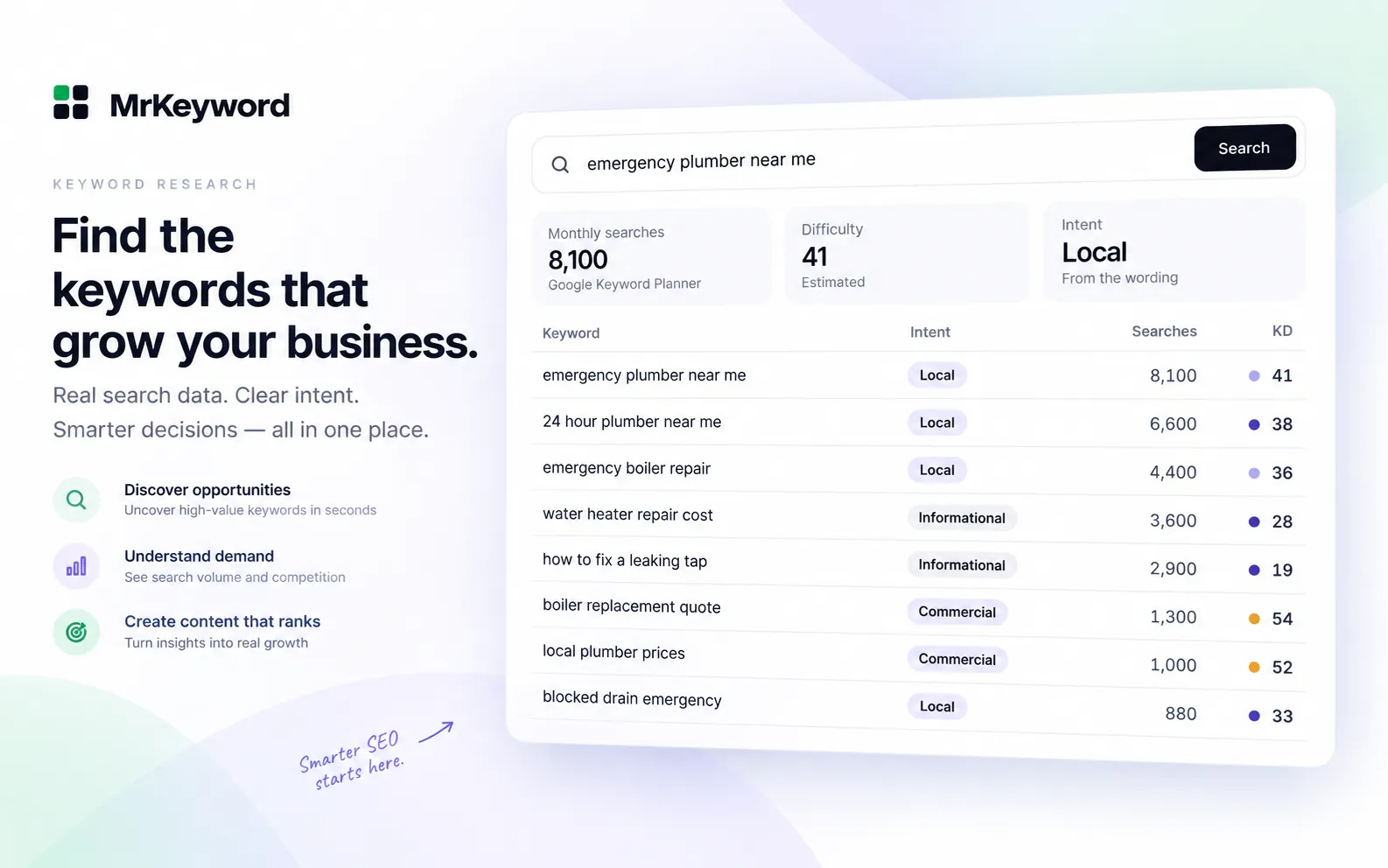
One page, one main keyword. Collect ideas with the free keyword research tool or the keyword generator, which show monthly searches, difficulty and intent next to each idea, then pick the one with real demand that your site can credibly answer. Our step-by-step keyword research guide covers this in depth.
-
Check the search intent
Search the keyword in a private window and look at what Google ranks: guides mean informational, lists and reviews mean commercial, product and pricing pages mean transactional. Build the page type the results already reward. Our guide to search intent shows how to read it.
-
Study the top results
Read the three or four best-ranking pages. Note what they cover, what they skip, and where they are weak. Your page needs to cover the same ground and do at least one thing better: a clearer answer, a worked example, a template, fresher data.
-
Outline from real questions
Turn each section into a question the searcher actually asks, from autocomplete, “People also ask” and the questions in the top results. An outline of questions is an outline of answers, which is what the page will be.
-
Write answer-first
Answer the main question in the first one or two sentences, then go deeper. Most readers decide in those lines whether to stay, and search engines weigh the opening heavily when judging whether the page matches the query.
-
Put the title, H1 and meta description right
One H1 that matches the search, a 50–60 character title with the keyword first, and a 140–155 character description that gives a reason to click. Check how they will be cut with the free SERP snippet preview, and run the full list of checks in our on-page SEO checklist.
-
Add internal links and images
Link to your own related pages with descriptive anchor text, so the reader has a next step and Google can find the pages behind this one. Add images that earn their place, each with honest alt text that describes the image.
-
Publish, then measure
After it ranks, watch the query in Search Console: impressions, average position and clicks tell you whether the page is being read. Our guide to Search Console average position shows how to read that data and which queries to strengthen next.
What goes in an SEO content brief?
An SEO content brief is a one-page plan written before the draft: the target keyword, the intent, the outline, the links and the finish line, so the writing step has no decisions left in it. It keeps one page to one job and makes the draft checkable against a list instead of a feeling. Copy the table below for each page you plan.
Content brief template
| Field | What to fill in |
|---|---|
| Target keyword | The one main keyword the page is written for |
| Secondary keywords | 3–5 related phrases the outline should cover naturally |
| Intent | Informational, navigational, commercial or transactional, from the results page |
| Page type | Guide, comparison, product or pricing page, matching the intent |
| Title | 50–60 characters, keyword first, brand last |
| H1 | The main heading, phrased as the question the searcher asked |
| Outline (H2s) | Each section as a question the searcher asks, in the order they would ask them |
| Questions to answer | Real questions from autocomplete and “People also ask” |
| Internal links to add | Pages on your site the reader should go to next, with anchor text |
| Word-count range | Based on the depth of the pages that already rank, not a fixed number |
| CTA | One clear next step: a free tool, a related guide, a signup |
Two fields do most of the work. The intent row decides the page type, so a guide never gets written for a keyword that wants a pricing page. The internal links row forces you to plan the reader's next step and give your other pages the links they need, before the draft exists.
How long should SEO content be?
There is no fixed word count: match the depth of the pages that already rank for the keyword. Google has never stated a minimum length, and its helpful content guidance judges whether the page fully answers the search, not how long it is. A 600-word page that answers a narrow question completely beats a 2,000-word page that pads it. In practice: check the word counts of the top results during step 3, set your range from them in the brief, and let the outline of real questions decide the length. If your outline has ten questions, the page will be long; if it has three, it will not, and that is fine.
What are common SEO writing mistakes?
The three mistakes that cost pages the most are keyword stuffing, cannibalisation and burying the answer.
- Keyword stuffing. Repeating the phrase to hit a density makes the page read like a list, not an answer. Write for the searcher and use the keyword where it fits; our guide to keyword density shows how to check your text without chasing a number.
- Cannibalisation. Two of your pages aimed at the same query compete with each other and usually both stall. One page per intent, as in our keyword cannibalization guide.
- Burying the answer. If the main answer appears after three paragraphs of context, the reader may not reach it. Answer first, then expand.
How do you write content that AI answers cite?
Write short, quotable definitions and facts: one or two complete sentences that state the answer on their own, so an AI answer can lift them without losing meaning. AI Overviews and chat answers pull from pages that give clean, self-contained statements, not from pages where the answer is spread across a paragraph of caveats. Put the definition in the first lines, keep it accurate and current, and back specific claims with a source. Our guide to getting cited in AI Overviews covers the rest of the picture.
Start from a keyword with real demandMonthly searches, difficulty and intent on every idea, fetched live from Google Keyword Planner.
Research a keywordQuestions and answers
How to write SEO content questions
Is AI-written content bad for SEO?
Not by itself. Google's guidance says how content is made matters less than whether it is helpful, reliable and people-first. AI-written content ranks when it answers the search well and has been checked by someone who knows the subject; it struggles when it is unedited filler.
How many keywords should one page target?
One main keyword, plus a few related phrases the outline covers naturally. Aiming a page at many separate keywords splits its focus and usually means some of them deserve their own page.
What is the difference between SEO content and copywriting?
Copywriting is written to make a reader act now: buy, sign up, click. SEO content is written to answer what a searcher asked, and it can include a call to action, but the answer comes first. A pricing page is both; a guide is mostly SEO content with a next step at the end.
Do I need to use the exact keyword phrase in the content?
Use it where it fits naturally, in the title, the H1, the opening and at least one heading. Google matches meaning as well as exact words, so forcing the phrase into every paragraph helps less than writing clearly.
How soon will SEO content start ranking?
It varies from days to months. New pages are crawled and tested over time, and a page often moves in position 20 to 10 before it reaches the top of page one. Measure in Search Console and strengthen the page as its queries appear.
Sources
- Creating helpful, reliable, people-first content — Google Search Central, on content that leaves visitors feeling they got what they came for
- SEO Starter Guide — Google Search Central, on useful, original content made to help other people