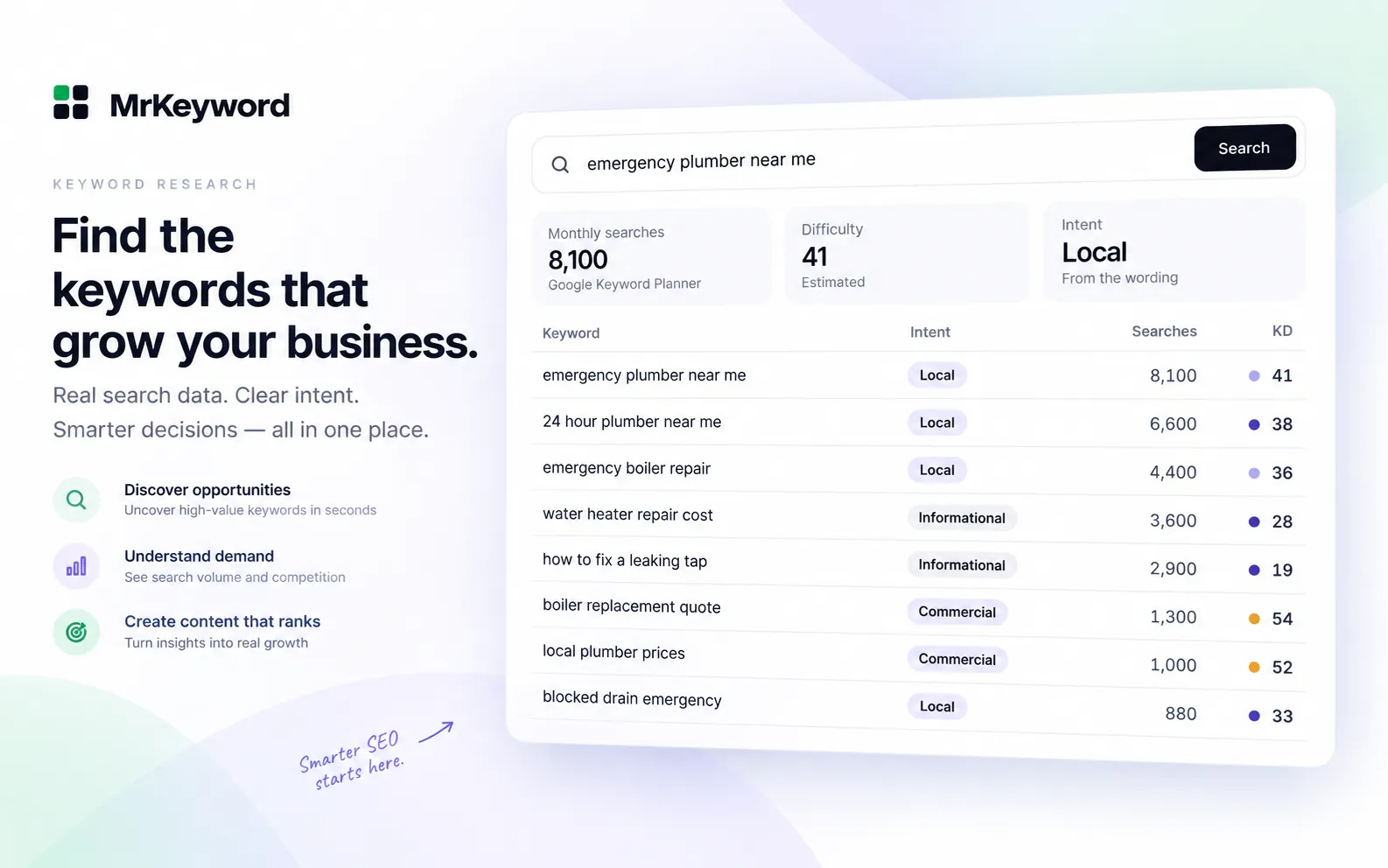
- Search intent is what the searcher wants to get from a query: an answer, a specific site, a comparison or a way to buy.
- The four common types are informational, navigational, commercial and transactional.
- Read intent from the words in the keyword first, then confirm it by looking at what Google already ranks for it.
- Build the page type the intent calls for: a guide for informational, a comparison for commercial, a product or pricing page for transactional.
- When one keyword has two clear intents and Google shows both, it can be worth two pages; when it is variants of one intent, one page.
What is search intent?
Search intent (also called user intent) is the goal behind a search: what the person wants to find, learn or do when they type the query. Someone searching “how to set up a standing desk” wants instructions. Someone searching “standing desk price” wants to see prices and probably buy. The topic is the same; the intent is not.
Intent matters because Google is trying to show the results that best satisfy the search. Its own explanation of how Search works describes matching a query to the most relevant, useful pages, and its helpful content guidance asks whether a visitor leaves feeling they got what they came for. A well-written guide aimed at a keyword where people want to buy usually struggles, because it is the wrong kind of answer.
So before you write a page, decide what the people searching its keyword actually want. That decision tells you what type of page to build, what goes at the top, and which keywords belong together.
What are the four types of search intent?
The four common types of search intent are informational, navigational, commercial and transactional. They are the labels most SEO tools use, and the ones MrKeyword's keyword intent checker assigns.
Informational intent
The searcher wants to learn something or solve a problem. Typical words: how, what, why, guide, examples, meaning, or a question with no buying word. Examples: “what is search intent”, “how to bleed a radiator”, “why do cats purr”.
Navigational intent
The searcher wants one specific site, brand or page. Typical words: a brand name on its own, or with login, account, contact, support or official. Examples: “gmail login”, “mrkeyword login”, “amazon customer service”.
Commercial intent
The searcher is comparing options before deciding. Typical words: best, top, review, vs, alternative, compare, worth it, software, tool, service. Examples: “best running shoes”, “notion vs obsidian”, “ahrefs alternatives”.
Transactional intent
The searcher is ready to act: buy, book, sign up, download or get a price. Typical words: buy, price, pricing, cost, cheap, deal, book, quote, download, near me. Examples: “buy running shoes”, “semrush pricing”, “plumber near me”.
Real searches do not always fit neatly. A short head term such as “standing desk” could be someone researching or someone ready to buy. That is why the words are only the first half of reading intent.
How do you find the intent of a keyword?
Find the intent of a keyword in two steps: read the words in the keyword itself, then check what kind of pages Google already ranks for it.
Read the words in the keyword
Some words give the intent away. A brand name with “login” or “contact” means the searcher wants that brand's own site. “Buy”, “price”, “cost”, “book” or “near me” means they are ready to act. “Best”, “review”, “vs” or “alternative” means they are still comparing. “How”, “what”, “why” and most questions mean they want to learn.
When a keyword has words from more than one group, the stronger one usually wins. “How much does a new boiler cost” is phrased as a question, but the searcher wants a price, not a lesson, so it is closer to transactional. MrKeyword's rules work the same way, in a fixed order: navigational words first, then buying words, then comparison words, and anything left is informational.
Check the results Google shows
The results page is the strongest evidence, because it shows what Google has found satisfies the searchers. Search the keyword in a private window and look at the first page:
- Mostly guides and articles, often with a “People also ask” box: informational.
- Lists, reviews and “best of” pages: commercial.
- Product, category, pricing or booking pages, shopping results or a map of local businesses: transactional.
- One brand's own pages filling the top results: navigational.
If the words and the results disagree, trust the results. “Emergency plumber leeds” has no buying word, yet Google answers it with local businesses, so treat it as transactional and give it a service page.
How do you match a page to search intent?
Match a page to search intent by building the page type the results already reward, and by answering the searcher's main question near the top. The intent decides the format more than the length or the wording.
Which page type fits each intent
| Intent | Page that usually ranks |
|---|---|
| Informational | A guide, tutorial or explainer that answers the question near the top. |
| Navigational | The brand's own home, login or contact page. Only the brand can really win these. |
| Commercial | A comparison, list or review page that weighs several options honestly. |
| Transactional | A product, pricing, service or booking page with a clear next step. |
A guide answers the question in the first paragraph and then goes deeper. A comparison names the options, the differences that matter and who each one suits. A product or pricing page shows the price, what is included and a clear button for the next step. If a page of yours ranks on page two and stalls, compare its type with what ranks on page one; a guide aimed at a transactional keyword often stalls behind product and pricing pages.
Worked example: what intent does each keyword have?
Here are eight keywords around one topic, labelled by MrKeyword's own intent rules (the same rules the free checker uses), with the page each one needs.
Eight keywords, labelled by intent
| Keyword | Intent | Page to build |
|---|---|---|
| standing desk | Informational | Guide |
| what is a standing desk | Informational | Guide |
| how to set up a standing desk | Informational | Guide |
| best standing desk | Commercial | Comparison |
| flexispot vs uplift | Commercial | Comparison |
| standing desk price | Transactional | Product or pricing page |
| buy standing desk | Transactional | Product or pricing page |
| ikea login | Navigational | Brand's own page |
The two questions are informational and fit one setup guide. The “best” and “vs” searches are commercial and fit one comparison page. The price and buy searches belong on the product or pricing page. “Ikea login” is navigational: only Ikea can win it, so there is nothing to build. And the bare head term “standing desk” falls back to informational because it carries no signal word; its results page is the place to settle what it really is.
What is mixed intent, and when do you need two pages?
A keyword has mixed intent when its results page shows more than one kind of page, for example guides and product pages together. Google is hedging because different people mean different things by the same words.
- One page when the variants share one intent: “how to set up a standing desk” and “standing desk setup guide” are the same need, so they are sections of one guide.
- Two pages when the results clearly split into two page types and you can serve both well: a guide for the learners and a product or pricing page for the buyers.
- Not two pages for one intent. Two of your pages aimed at the same need compete with each other. Our guide to keyword cannibalization shows how to spot that in Search Console and fix it.
When the results are mixed and you can only make one page, the page that answers both needs, with the quick answer first and a clear next step after it, is usually the one that ranks. Grouping keywords by intent before you write, as in our keyword clustering guide, keeps each page to one job.
How do you label the intent of a whole keyword list?
To label a whole keyword list, paste it into the free keyword intent checker: it gives every keyword one of the four labels, counts how many fall into each, and copies the table as CSV. Add your brand word so searches for your own name come out navigational.
-
Label the list
Run your keywords through the checker. A list that is mostly informational points at guides; a list heavy in commercial and transactional keywords points at comparison, service and product pages.
-
Check the edge cases by hand
The labels come from the words in each keyword, so look at the live results for the important ones, especially short head terms and local “service + town” searches.
-
Give each intent its page
Paste the CSV next to your volumes in a master keyword list and assign one page to each group of keywords that share an intent.
If you are still collecting keywords, the keyword generator and the free keyword research tool show intent next to each idea, along with monthly searches and difficulty, so you can sort by intent from the start. Our step-by-step guide to keyword research shows where intent fits in the whole process, and specific long-tail keywords are usually where the intent is clearest.
Label a keyword list by intent, freePaste a list of keywords and get informational, navigational, commercial or transactional for each, with counts and a CSV copy.
Check keyword intentWhat intent labels do not do
- They do not read Google's results. Intent is labelled from the words of each keyword, so a keyword with no signal word falls back to informational even when Google treats it otherwise.
- They give one label per keyword. A keyword with genuinely mixed intent still gets one label; the results page tells you whether it is mixed.
- They are not a ranking score. Intent tells you what kind of page to build; how well it ranks still depends on how good that page is.
Questions and answers
Search intent questions
What are the 4 types of search intent?
The four common types are informational, navigational, commercial and transactional. Informational searchers want to learn, navigational searchers want a specific site, commercial searchers are comparing options, and transactional searchers are ready to buy, book or sign up.
Is search intent a ranking factor?
Not as a separate signal. Google ranks the pages that best satisfy a query, and a page built for the wrong intent rarely does that, so matching intent matters a great deal even though there is no intent score.
How do I find the intent of a keyword?
Read the words first: brand plus login means navigational, buy or price means transactional, best or vs means commercial, and questions are usually informational. Then search the keyword and look at what Google ranks; if the words and the results disagree, trust the results.
What is the difference between commercial and transactional intent?
Commercial searchers are still comparing, with words like best, review or vs, and want a comparison or review page. Transactional searchers are ready to act, with words like buy, price or book, and want a product, pricing or booking page.
Can one keyword have more than one search intent?
Yes. When the results page mixes guides with product pages, people mean different things by the same words. Make two pages only when the results clearly split and you can serve both; otherwise make one page that answers the question first and offers the next step after it.
Sources
- How Search works: ranking results — Google Search Central, on matching a query to relevant, useful results
- Creating helpful, reliable, people-first content — Google Search Central, on content that leaves visitors feeling they got what they came for