10 keyword lookups a month
On the Free plan. One lookup is one live search for one keyword in one market, straight from Google Keyword Planner. Every search asks Google again, and a failed one is refunded.

Type a keyword and pick a market. Sign in free and it opens with monthly search volume fetched live from Google Keyword Planner, an estimated difficulty and the intent behind it — every figure with its source and the time it was fetched. Each check is a live Keyword Planner request and uses 1 of your 10 monthly lookups on the Free plan; checking the same keyword again uses another.
Free account, no credit card. You'll see the results right after you sign in.
Built on first-party data from Google and Bing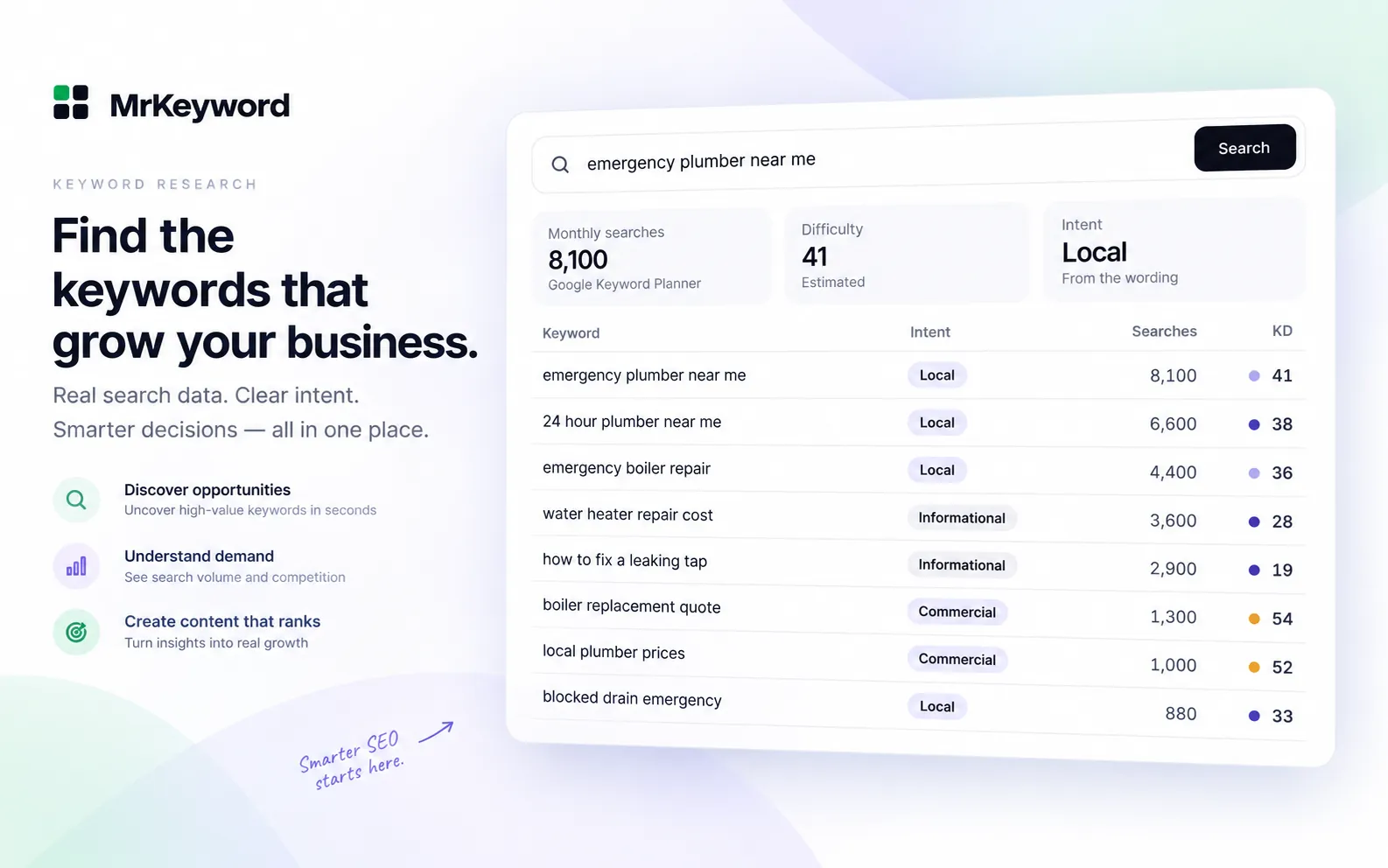
Three steps, and your keyword is carried through all of them.
Enter a seed keyword and choose the market — the United States, the United Kingdom, Canada, Australia, India or worldwide.
Create a free account or sign in. No credit card, and the Free plan never expires. Your keyword and market come with you.
Search volume, estimated difficulty and intent up top, then matching terms, related ideas, questions and modifiers underneath.
Every figure carries the source it came from and the date it was fetched. Where the source only gives a range, you get the range — not a midpoint somebody made up. Search volume, difficulty and intent each carry an honesty label: Measured, Derived, Estimated or Not available, with a confidence level and a one-line reason.
The seed keyword is the start, not the answer. The full keyword research tool returns matching terms, related ideas, questions and modifiers, so one page can cover a whole topic instead of one phrase. Connect Google Search Console and the Queries page lists every query your site already appears for — with filters for page one, almost there, and seen but not clicked.
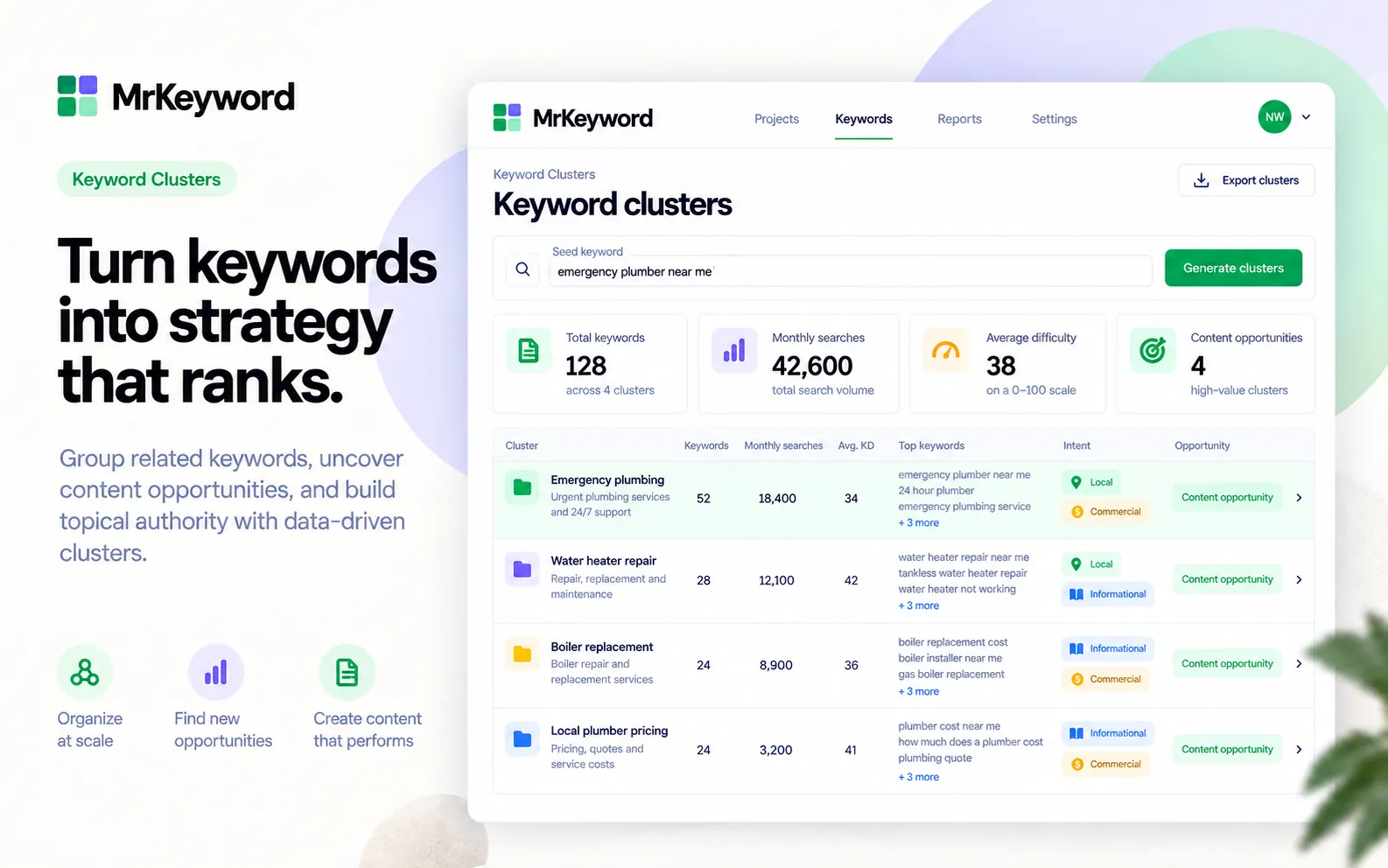
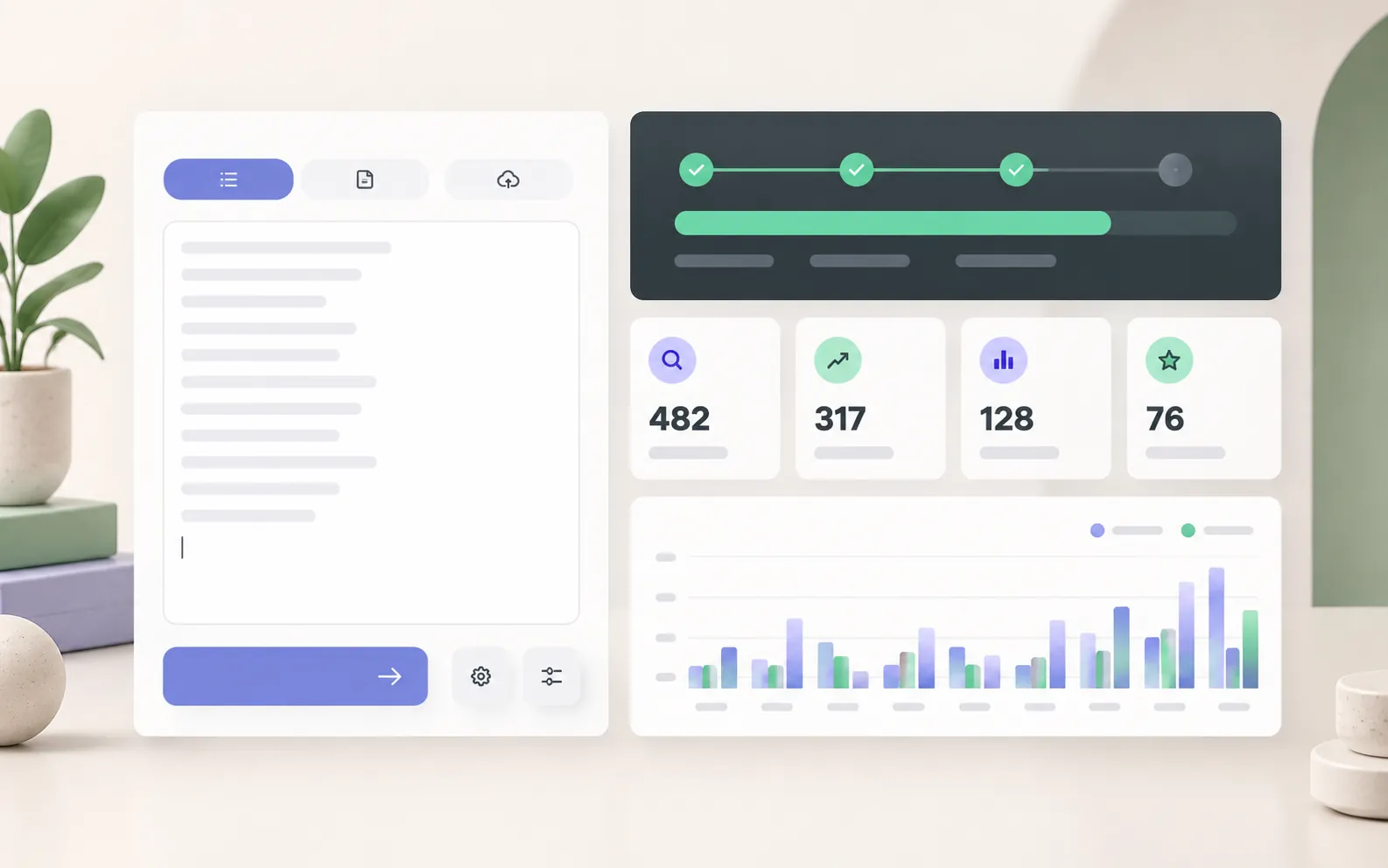
Bulk results sort and filter into a clear content plan: one primary topic, supporting questions and the search intent behind each. The visual language keeps research separate from the page copy you will write next.
Creating an account puts you on the Free plan straight away: it never expires, no card is asked for, and nothing is charged unless you choose a paid plan in Settings.
On the Free plan. One lookup is one live search for one keyword in one market, straight from Google Keyword Planner. Every search asks Google again, and a failed one is refunded.
$1 a month for ten times the lookups, or 500 per website on Pro AI. A bulk check uses one lookup per 25 keywords.
Compare the plansConnect Search Console and the app lists every query your site already appears for, with clicks, impressions and average position — the keywords Google has already decided you are relevant for.
How keyword research worksA keyword tool is only as honest as its numbers. These are the edges.
Every tab, the honesty labels and the CSV export.
Read moreRank tracker, site audit and domain authority checker, on the same free account.
Read moreUsing question keywords to write pages AI answers can quote.
Read more10 lookups free, 100 on Basic.
Read moreStill deciding? Check a keyword and see the answer against the source.
Check a keyword freeYes. It runs on a free MrKeyword account: no credit card, and the Free plan never expires. It includes 10 keyword lookups a month; a lookup is one live search for one keyword in one market, repeating a search uses another one, and a search that fails is refunded.
Every search is a live Google Keyword Planner request that uses one of your workspace's lookups, so it runs inside a free workspace and the result opens in the full tool. Your keyword and market are carried through sign-in, so you do not have to type them again.
The official Google Ads Keyword Planner API, asked live every time you search. Nothing is stored, so each figure is Google's current answer, shown with its source and the time it was fetched.
No, and nobody's are. Keyword Planner publishes rounded figures and ranges. Where only a range is available, the range is what you see, labelled as an estimate — not a midpoint somebody made up.
No, and the tool says so wherever the score appears. It is MrKeyword's estimate from Google's search volume, advertiser competition, cost per click and the length of the keyword, and where there is not enough to go on it declines to give a number.
The United States, the United Kingdom, Canada, Australia and India, or worldwide. Pick one in the search bar and it is carried into the app with your keyword.
Yes, inside the app. A bulk check takes up to 500 keywords at once and returns demand, difficulty and intent for all of them.
Free account, no credit card. 10 keyword lookups a month on the Free plan.