Demand, difficulty, intent
Three headline cards, each with an honesty badge — Measured, Derived, Estimated or Not available — a confidence level and a one-line reason for the answer.

One seed keyword returns matching terms, related ideas, questions and modifiers — with monthly search volume fetched live from Google Keyword Planner every time you search, an estimated difficulty score, and the search intent behind each term.
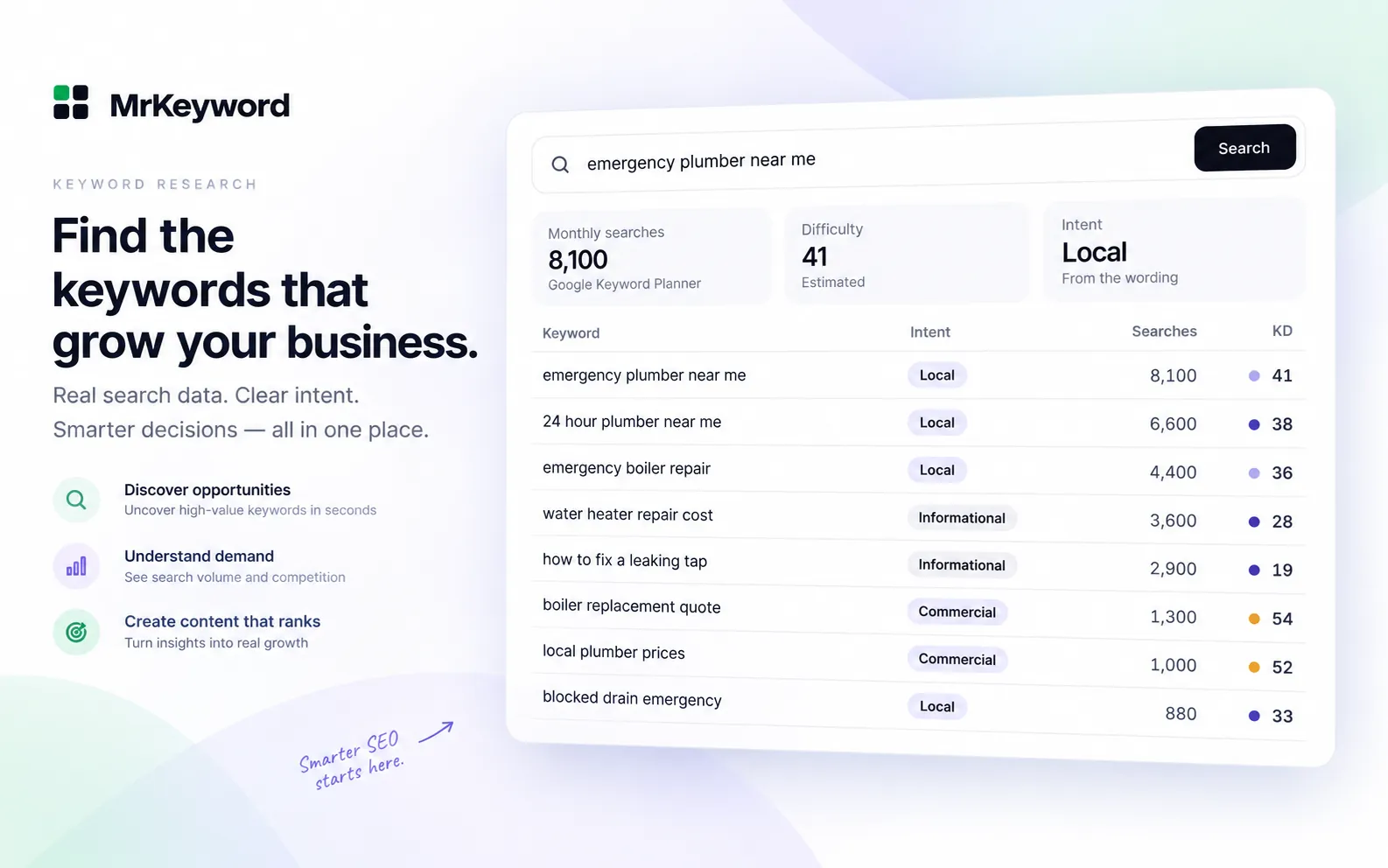
Type a seed and MrKeyword answers with three headline figures, each carrying an honesty badge — Measured, Derived, Estimated or Not available — a confidence level and a one-line reason. In the sample, “emergency plumber near me” shows 8,100 monthly searches from Google Keyword Planner, an estimated difficulty of 41, and local intent read from the wording.
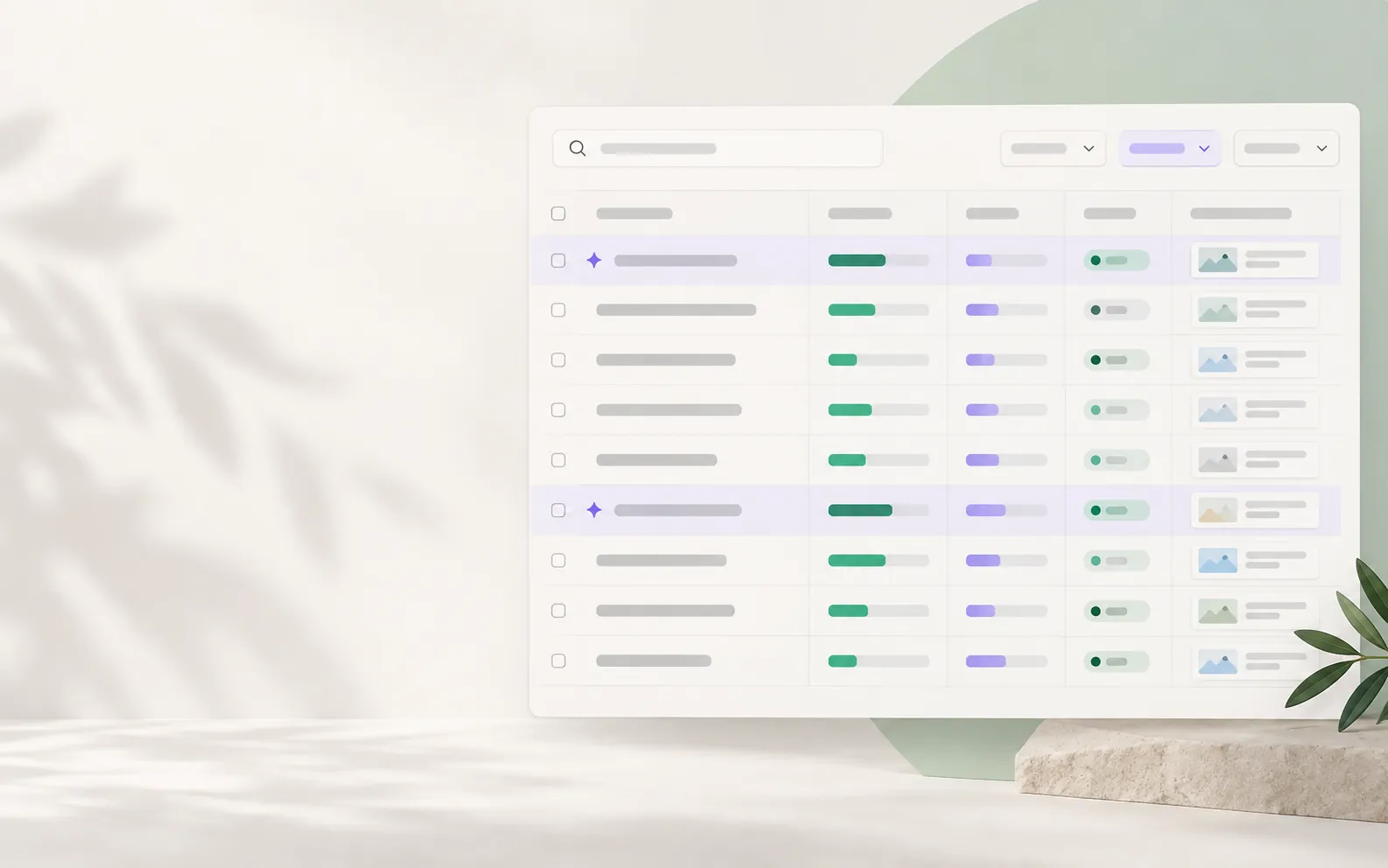
Next to the live keyword search, the Queries page costs no lookups at all — every query your site already appears for in Search Console, with quick filters for page one, almost there, and seen but not clicked.
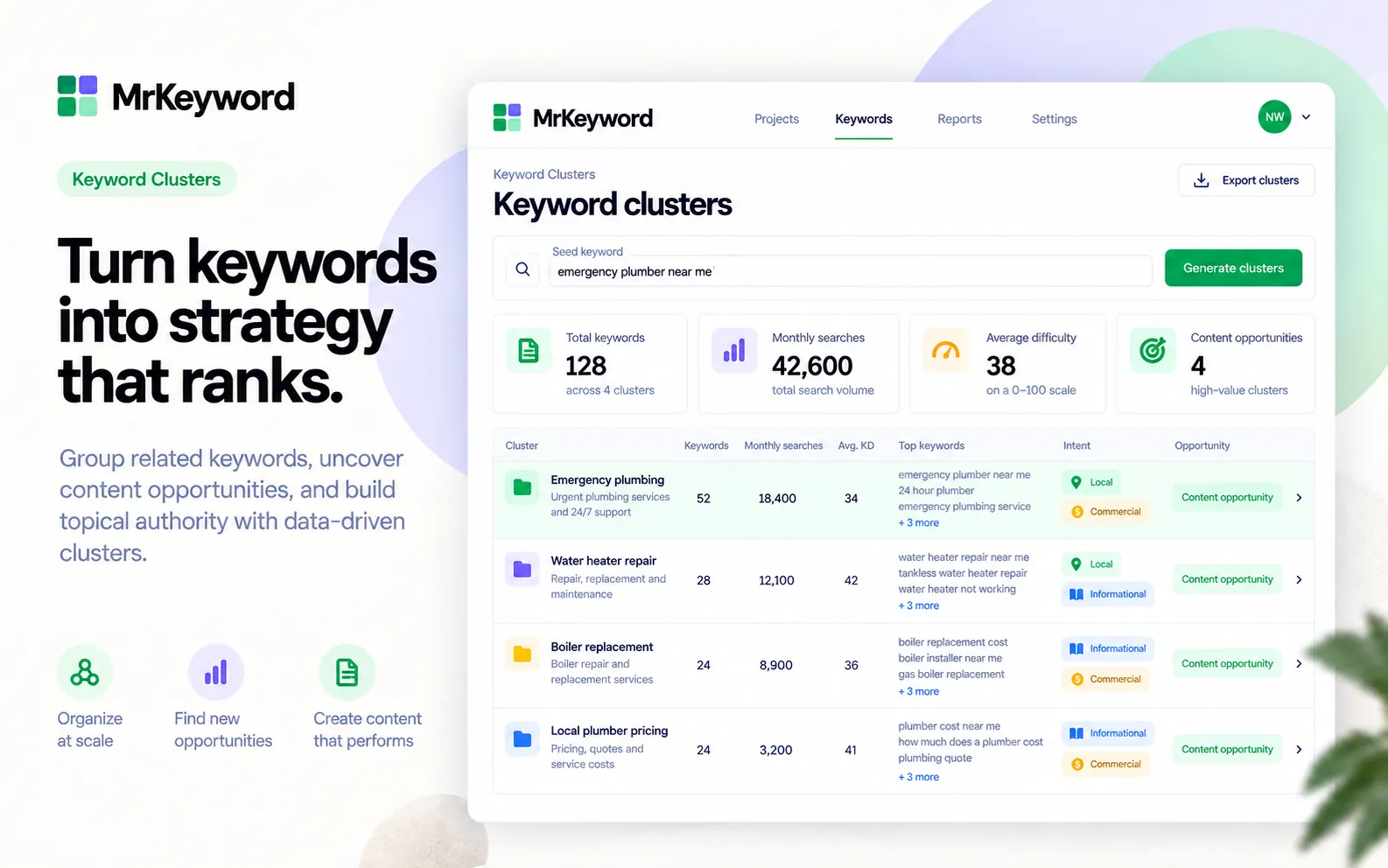
Paste up to 500 keywords — one per line, or comma separated — and get search volume fetched live from Google Keyword Planner, an estimated difficulty and the intent for all of them at once. Every check asks Google again and uses one lookup per 25 keywords.
Give me a brief for the page I am about to rewrite.
Tools usedget_page_briefget_latest_page_audit
MrKeyword asks Google Keyword Planner at the moment you search and keeps no copy of the answer, so a figure is never an old one served from storage. That is also why repeating a search uses another lookup; the counter above the search box shows how many are left and when they reset.
Three headline cards, each with an honesty badge — Measured, Derived, Estimated or Not available — a confidence level and a one-line reason for the answer.
All, Matching, Related, Questions and Modifiers, each with a count, a filter box, four sort orders and CSV export.
A search-volume trend chart for the seed keyword, and a sparkline on every row in the table.
The Queries page, free: every query your site already appears for, with quick filters for page one, "almost there" (positions 11–20) and "seen but not clicked" (200+ impressions under 1% CTR).
Up to 500 keywords at once, fetched live from Google Keyword Planner at one lookup per 25 keywords, with the same filters and CSV export.
Each plan includes a monthly allowance of keyword lookups — one lookup is one keyword in one market, and a bulk check uses one per 25 keywords. Every search asks Google Keyword Planner live, so repeating a search uses another lookup; a search that fails is refunded. The counter above the search box always shows how many you have left and when it resets.
Every tab exports to CSV with the provenance carried through: keyword, volume bucket, difficulty, intent, trend, location, language, source and the date the data was fetched. Nothing loses its source on the way out.
MrKeyword does not buy a third-party keyword index. Every figure comes from one of these, and the product prints which one on screen.
Monthly search volume, cost per click and the 12-month trend are fetched live from the official Google Ads Keyword Planner API every time you search. Where Google gives no figure, the page says “Not available” rather than inventing one.
An estimate, and labelled as one: MrKeyword's model over Google's search volume, advertiser competition, cost per click and the length of the keyword. Where there is not enough to go on it says “Not available” instead of printing a number.
Classified from the wording of the keyword, with the reason in plain English — for example, “Contains buying words such as buy, price or near me”.
The Search Console section is your property's real clicks, impressions, CTR and average position. That part is measured, not estimated.
Being clear about the edges is part of the product. These are deliberate limits, not gaps we are hoping you will miss.
Check a keyword's monthly search volume on a free account, no card.
Read moreMake sure the page you write can actually be crawled and indexed.
Read moreFinding the question phrasings that AI answers get built from.
Read moreLive keyword lookups per plan, and what one lookup covers.
Read moreConnect a property and this page becomes your numbers. Free to start.