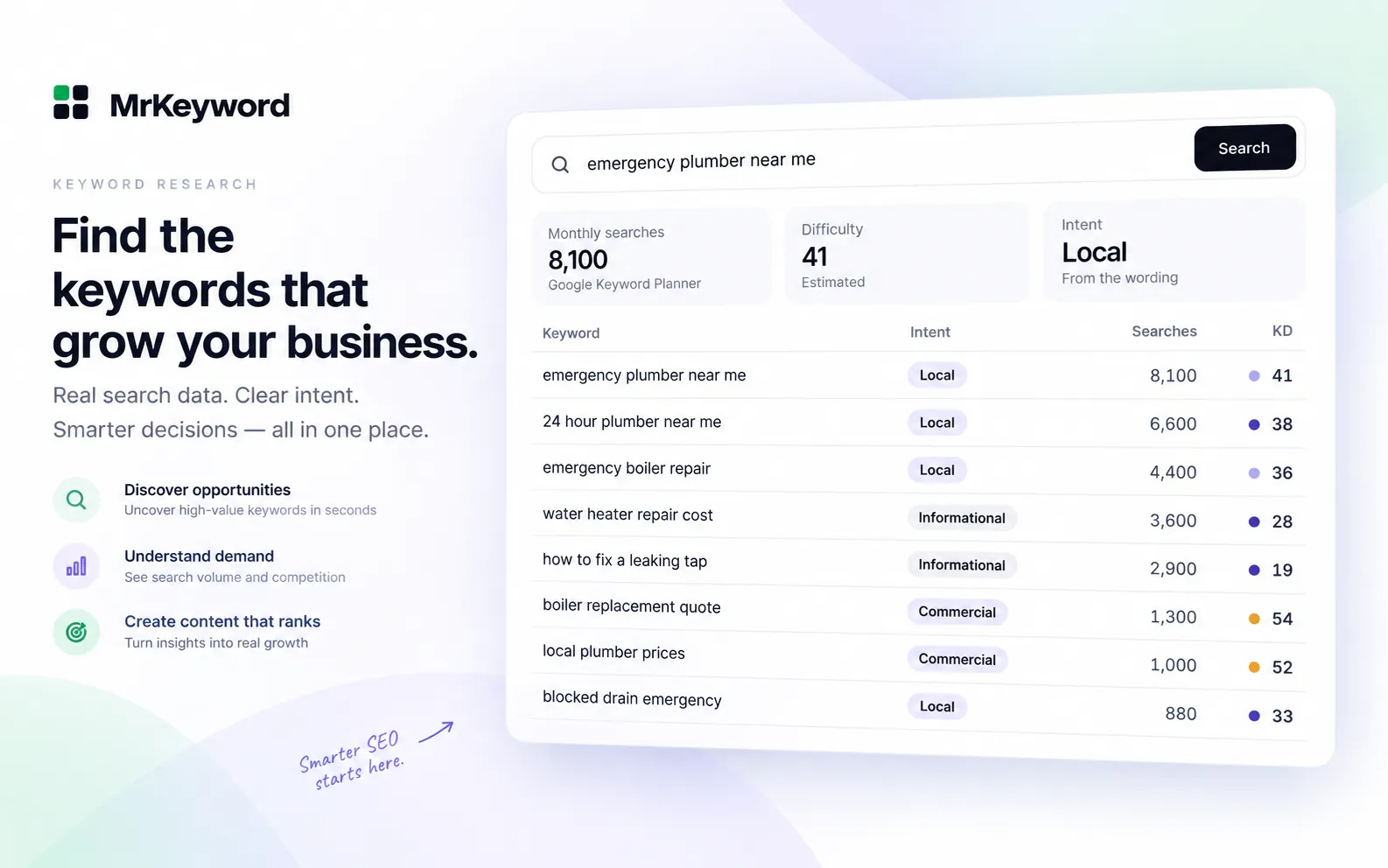
- Keyword difficulty is an estimate of ranking competition, not a guarantee of a position or traffic.
- Tools use different data and formulas, so compare keywords within the same tool and location.
- Check search intent, page quality and the search results themselves before deciding whether a keyword is worthwhile.
- New sites can start with more specific, lower-competition topics; established sites can also pursue harder terms where they have a relevant advantage.
- MrKeyword labels its score as measured or estimated and does not scrape live Google results.
What is keyword difficulty?
Keyword difficulty (KD) is a tool's estimate of how hard it may be to rank for a search term. Many tools express it on a scale from 0 to 100: a higher number generally means stronger competition. It is useful for comparing possible topics before you invest in a page, but it is not a score awarded by Google and it cannot promise a ranking.
Imagine a specialist shop considering two topics: a broad phrase such as “running shoes” and a specific question about choosing shoes for a particular surface. The broad phrase might bring the shop into competition with large retailers and established guides. The specific question may have fewer strong competitors and give the shop room to use its expertise. Check both phrases rather than assuming that either is easy.
KD is one part of keyword research. A term also needs to matter to your audience and fit what your site offers. An easy keyword that attracts the wrong visitors is not automatically a good investment.
How is keyword difficulty calculated?
Many SEO tools look at the pages already ranking in the top 10 and use links or authority as evidence of competition. A backlink is a link from another website; a referring domain is the website providing that link. Tools may count referring domains to each ranking page, estimate the authority of the pages or sites, or combine those signals with other information.
The idea is practical: if competing pages have strong link profiles, earning a place alongside them may take more work. But a link index is a tool's view of the web, not a complete record. A score summarizes the tool's model and the data it has at the time; it does not reproduce a search engine's ranking algorithm.
Not every checker uses the same inputs or even the same set of competitors. MrKeyword's measured score uses sites found in its own index targeting the phrase, rather than a live top 10. Its fallback estimate uses keyword data when that index has too few competing sites. Read the method before comparing scores.
Why do Ahrefs, Semrush, Moz and MrKeyword show different scores?
Each provider collects its own data and applies its own formula. Differences in link indexes, the results and location examined, update times and the signals included can all change the number. A score from one tool should not be converted directly into a score from another.
- Ahrefs: its KD help page says the score is based on the number of referring domains to the top 10 organic pages. It does not include on-page SEO factors.
- Semrush: its keyword difficulty guide describes using referring domains, domain Authority Score and the follow-to-nofollow link ratio, alongside keyword and search-result features. Its separate personal difficulty metric also considers the site being assessed.
- Moz: its difficulty help page describes using Page Authority and Domain Authority for first-page results, adjusted for projected click-through rate. These are Moz's own metrics, not Google scores.
- MrKeyword: the checker and method explains its indexed-competitor score and its fallback estimate. It uses different data from tools that analyze Google's ranking pages, so its number is not directly interchangeable with theirs.
For a useful comparison, choose one tool, use the same location and look at a group of related terms. Recheck important candidates later: search results and the data used to describe them can change. A disagreement between tools is a reason to inspect the results, not proof that one number is the true answer.
What a KD score does not tell you
Content quality: A link-based score cannot tell you whether the competing pages answer the question clearly, are up to date, or leave an important gap. Open the results and read them. Consider whether you can offer a more useful answer from experience, evidence or a clearer explanation.
Search intent: A low score does not tell you whether people want a tutorial, a product page, a local service or a comparison. Search the phrase in the location you serve and look for the dominant page types. If you cannot create the kind of page people expect, another keyword may be a better fit. Our search intent guide explains how to make that judgment.
Visibility on the results page: Ads, local packs, snippets and other SERP features can affect what a searcher sees and where an organic result appears. Some models, including Semrush's, include certain features in their calculation, but a single KD score still does not show the full layout or predict your clicks. Inspect the current results yourself.
Nor is difficulty the same as demand, business value or your site's probability of success. A keyword can be difficult and valuable, or easy and irrelevant. Domain-level metrics are also only comparative estimates; see what domain authority means before using one as a shortcut.
What is a good keyword difficulty for your site?
There is no universal cutoff. A good score is one you can act on given your site's subject, existing visibility, resources and the actual competitors. Treat the following as a rule of thumb, not a promise or a fixed numerical threshold.
For a new site
Start with relevant, more specific topics that have relatively lower difficulty within your chosen tool. Look for results where smaller, focused sites appear and where you can answer the question well. Build a useful group of related pages rather than publishing many near-duplicates. Long-tail keywords can help you find specific questions, although a longer phrase is not automatically easy.
For example, a new gardening site might first answer a particular question about growing herbs indoors instead of relying entirely on a broad gardening term. Check that the question fits your audience, that the results match the page you can make, and that the topic deserves its own page.
For an established site
Start with topics close to the subjects where your site already has useful content and relevant links. You may be able to pursue more competitive terms when you have a strong page, relevant expertise and a way to improve on the results. Still inspect the actual ranking pages: an established site can struggle when a query calls for a different kind of answer or a subject outside its experience.
Keep a mix of attainable topics and worthwhile longer-term opportunities. Review performance after publishing, improve pages when there is a real gap, and revisit your priorities as you learn which subjects your audience responds to. A low KD is a starting point for investigation, not a publishing instruction.
How to check keyword difficulty for free
- Open the free keyword difficulty checker, enter a phrase and sign in to a free account. A keyword search uses a monthly lookup.
- Read the score and its label. With at least five competing sites in MrKeyword's index, the measured score blends indexed site strength with an estimate. With fewer sites, it uses an estimate based on available keyword data. If the necessary demand or advertiser competition data is unavailable, a score may be unavailable.
- Compare related ideas in the same tool, then search promising phrases yourself. Check intent, the quality and type of competing pages, and visible SERP features before choosing what to write.
The checker does not scrape live Google results or grade the quality of competing content. The indexed sites are predicted competitors, not a verified live top 10. Bulk checks show estimates rather than the measured score. Treat an estimate especially cautiously when the index is thin; a low number alone does not establish that a keyword is easy.
Once you have a shortlist, choose a page that answers each distinct intent, link it naturally from related content and track how it performs. Use KD to prioritize the work, then let the actual search results and your audience guide the final decision.
Questions and answers
Keyword difficulty questions
What does keyword difficulty mean?
Keyword difficulty is a tool's estimate of how challenging it may be to rank for a search term. Higher scores generally indicate stronger competition, but the score is not a guarantee of rankings.
What is a good keyword difficulty for a new website?
There is no universal cutoff. As a rule of thumb, start with relevant topics that have lower difficulty in your chosen tool, then inspect the results and choose questions you can answer well.
Why do keyword difficulty scores differ?
Tools use different data, indexes, update schedules and formulas. Some analyze links to ranking pages; MrKeyword uses indexed competitors or a labeled estimate when its index is thin.
Can I check keyword difficulty for free?
Yes. MrKeyword's keyword difficulty checker works with a free account. It labels measured and estimated scores, and keyword searches use the free plan's monthly lookups.
Sources
- What does KD stand for in Keywords Explorer? — Ahrefs Help Center, on its difficulty calculation
- What is Keyword Difficulty? — Semrush, on keyword difficulty and its inputs
- Difficulty — Moz Help Hub, on Keyword Explorer's difficulty score