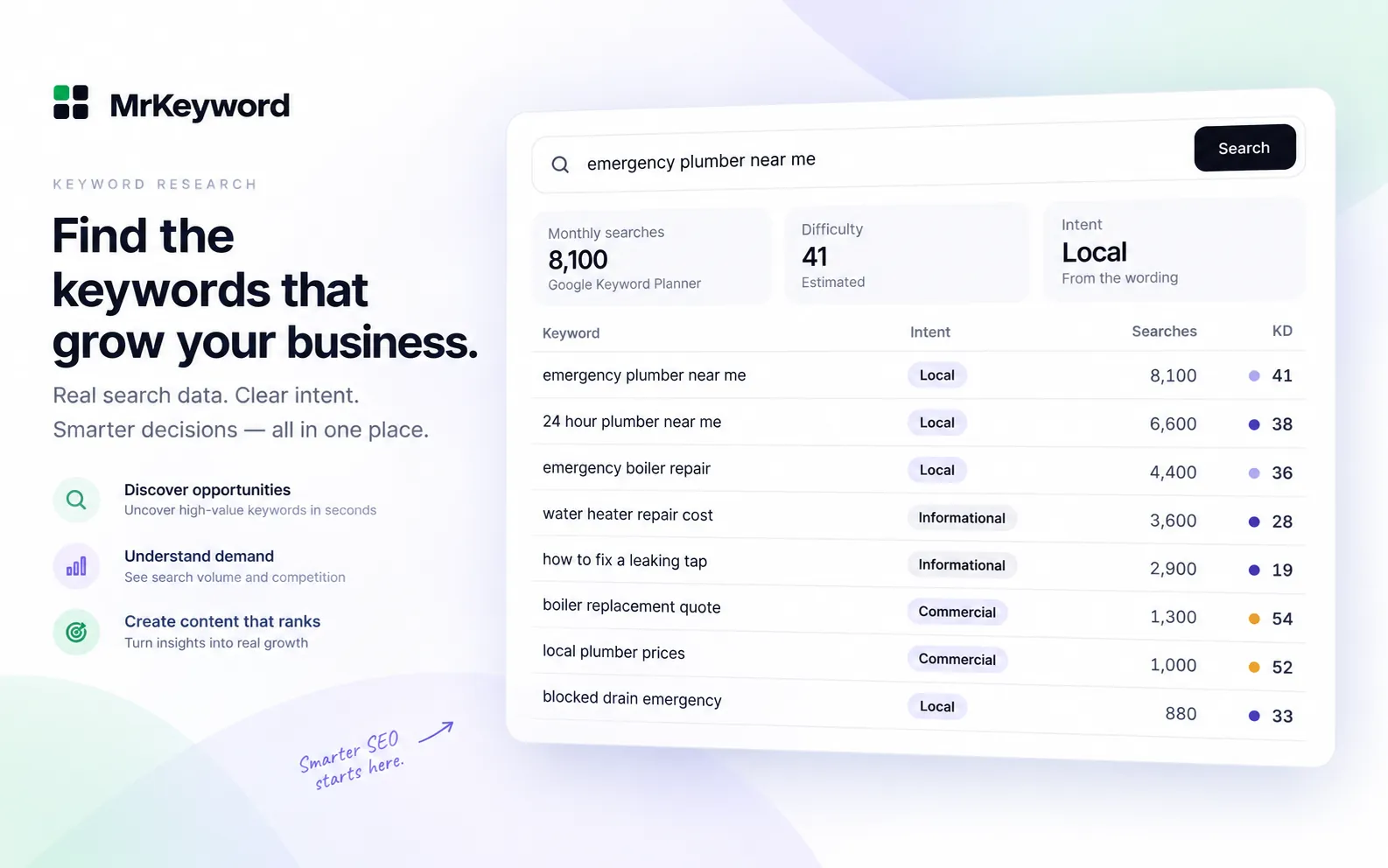
- Claude on its own has no search volume data. Ask it for monthly searches and it can only guess. Volume has to come from a tool, such as Google Keyword Planner, that Claude calls through MCP.
- Start with your own Search Console queries:
get_search_querieswithalmost_there(average position 11–20) andseen_not_clicked. These calls cost no lookups. - Size only a shortlist.
research_keywordcosts 1 lookup per keyword andbulk_keyword_check1 per 25 keywords, every time. Plans include 10 (Free), 200 (Starter), 600 (Growth) or 2,000 (Agency) lookups a month. - Volumes are Google Keyword Planner averages, often shown as ranges. Difficulty and intent are MrKeyword estimates and are labelled that way.
- Tell Claude to ask before spending lookups, then hand the chosen keywords to
track_keywordsso their positions are recorded daily.
Why can't Claude give you search volumes on its own?
Because a language model has no access to Google's search counts. Asked “how many people search for X?”, plain Claude can only produce a plausible-looking number, and that number is a guess. Search volume is measured data held by the search engines. Google publishes it to advertisers through Keyword Planner, whose help page describes average monthly searches as the average number of times people searched for a keyword and its close variants, averaged over 12 months by default and rounded.
What Claude does well is the work around the numbers: grouping keywords by topic, reading intent, noticing that two queries want the same page, and turning a table into a short plan. So the useful setup is to let tools supply the numbers and let Claude do the reasoning. MCP, the Model Context Protocol, is how Claude calls those tools. If you have not connected MrKeyword to Claude yet, the Claude SEO MCP setup guide covers it; in Claude Code it is one claude mcp add --transport http command with a token from Settings → Connections → API & MCP Tokens. The SEO MCP server guide explains what such a server is.
A quick test. Ask Claude for the monthly volume of a keyword with no tools connected, then ask again with the keyword tools connected. If the first answer gives a precise figure with no source, that is the guess this workflow replaces.
The keyword research workflow in Claude, step by step
Pull the queries your site already appears for, shortlist the ones worth work, size only the shortlist with live volume, then track the keywords you act on. The first two steps cost nothing; the third spends lookup credits; the fourth uses your tracked-keyword allowance.
-
Start from your own Search Console queries
Ask Claude for the queries you nearly rank for. It calls
get_search_queries, which returns real Search Console queries from the last 28 days with the page that received them, clicks, impressions, CTR and average position. Two filters do most of the work:almost_there(average position 11–20, one page short of page one) andseen_not_clicked(20 or more impressions, zero clicks, average position 20 or better, so the ranking exists but the title and description are not earning the click). No lookups are used. -
Check which pages already earn those queries
get_page_keywordslists the Search Console queries that brought impressions to one page, biggest first, up to 100. It shows whether a query belongs to an existing page you should improve, or needs a new one. Also free. -
Let Claude group and shortlist
This is the step Claude is best at. Ask it to cluster the queries by topic and intent, drop the irrelevant ones, and keep a shortlist of 25 or fewer worth sizing. Twenty-five is not arbitrary: it is one bulk lookup.
-
Size the shortlist with live volume
bulk_keyword_checktakes up to 100 keywords and returns search volume, difficulty and intent for each, costing 1 lookup per 25 keywords. For one or two keywords where you also want related ideas,research_keywordreturns the full report: volume, difficulty, intent, a 12-month trend, keyword ideas and question keywords, for 1 lookup per call. Both are live Google Keyword Planner requests. -
Track the keywords you act on
Once you have picked the keywords to work on,
track_keywordsstarts recording their positions daily. See tracking the winners below.
Markets are the US, Canada, India, the UK and Australia (US, CA, IN, GB, AU). Languages are English, Hindi, Hinglish, French, Spanish and German (en, hi, hinglish, fr, es, de), and the language has to be one the chosen market supports. A keyword can be at most 80 characters and 10 words, which is Keyword Planner's limit.
The find_keyword_opportunities prompt does the whole loop
MrKeyword's server includes a ready-made MCP prompt, find_keyword_opportunities, that runs steps 1 to 4 and stops to ask you before it spends any lookups. It takes an optional site, an optional topic to filter queries, and an optional market (US by default).
In order, the prompt tells Claude to: pull up to 50 almost_there queries and 25 seen_not_clicked queries; check the ranking pages with get_page_keywords and shortlist at most 25 queries; call get_account_usage and tell you what a volume check costs and how many lookups are left; run one bulk_keyword_check only after you agree; and finish with one table of query, average position, impressions, clicks, monthly searches (or “not checked”), the page to improve and why it ranks where it does. Its rules also tell Claude never to call the keyword tools in a loop.
Run the prompt in Claude Code
/mcp__mrkeyword__find_keyword_opportunitiesExample prompts for keyword research in Claude
Ask in plain English and name the site, market and budget; Claude picks the tools. These are example prompts with the tools they usually lead to, not recorded answers.
Keyword research prompts and the MrKeyword MCP tools behind them
| Ask Claude | Tools it calls | Cost |
|---|---|---|
| “Which queries am I ranking 11–20 for? Group them by topic.” | get_search_queries (filter almost_there) | No lookups |
| “Which queries get impressions but no clicks?” | get_search_queries (filter seen_not_clicked) | No lookups |
| “What does my pricing page already rank for?” | get_page_keywords | No lookups |
| “How many keyword lookups do I have left this month?” | get_account_usage | No lookups |
| “Check volume for these 20 keywords in Canada.” | bulk_keyword_check (market CA) | Uses lookups 1 lookup (up to 25 keywords) |
| “Give me ideas and questions around ‘invoice software’ in the UK.” | research_keyword (market GB) | Uses lookups 1 lookup per keyword |
| “Find keyword opportunities about pricing, sized for the US.” | find_keyword_opportunities prompt | Free until you approve one bulk check |
| “Track the five keywords we picked, targeting /pricing.” | track_keywords Action | Uses tracked-keyword allowance |
How to read what comes back
Treat search volume as Google's rounded average, and treat difficulty and intent as MrKeyword's estimates; Search Console figures are measured, but only for your own site.
- Search volume. The figures are Google Ads Keyword Planner averages, often a range rather than a single number. Google's help says the statistics are rounded and averaged over the period selected. Use them to compare keywords, not as a traffic promise. More detail is in how to find keyword search volume.
- Difficulty and intent. These are MrKeyword's estimates and the tools label them that way. They help sort a list; they are not facts about Google.
- Average position, clicks and impressions. These come from Search Console for your verified site. Position is an average across searches, as our guide to Search Console average position explains.
- Special fields. If a phrase has no ideas of its own,
research_keywordsetsbroadenedand returns easy, low-volume ideas from a shorter seed phrase. If Keyword Planner cannot answer,own_ideasholds MrKeyword's own ideas without volumes, and nothing is charged. Ask Claude to tell you when either happens.
A useful habit. End research prompts with “label every number with its source: Search Console, Keyword Planner, or MrKeyword estimate”. It keeps estimates from being rounded into facts when the table moves into a brief or a client email.
How to control lookup costs
Tell Claude to ask before every lookup, size only a shortlist, and batch it into one bulk check. Every research_keyword call costs 1 lookup, including a repeat of the same keyword, and every bulk_keyword_check costs 1 lookup per 25 keywords, every time. Nothing is stored between calls, so asking twice costs twice.
Monthly keyword lookups by plan
| Plan | Price | Lookups a month | Enough for |
|---|---|---|---|
| Free | $0 | 10 | 10 single-keyword reports, or 250 keywords in bulk checks |
| Starter | $10/month | 200 | 200 reports, or 5,000 keywords in bulk |
| Growth | $19/month | 600 | 600 reports, or 15,000 keywords in bulk |
| Agency | $49/month | 2,000 | 2,000 reports, or 50,000 keywords in bulk |
- Put the rule in the prompt. “Ask me before you call research_keyword or bulk_keyword_check, and say how many lookups it will use.” The tool descriptions already tell Claude to mention the cost; saying it yourself makes it explicit.
- Check the balance. Every paid call returns a
creditsfield with what was charged and what is left, andget_account_usageshows the live lookups left this month. - Watch for
skipped. If a bulk check runs out of lookups part way, the keywords not processed are listed inskipped. - Approvals. Claude Code asks before running an MCP tool unless a permission rule allows it, so you can leave the two keyword tools on “ask” while allowing the free read tools.
Prefer to click?The same Keyword Planner volume, ideas and questions are on MrKeyword's Keyword Research page.
See keyword researchTrack the winners
When the research settles on a set of keywords, ask Claude to track them; track_keywords records their average position daily from Search Console. It takes up to 100 keywords per call, a market (US, CA, IN, GB, AU or ALL), a device, and an optional target page, so you are warned later if a different page ranks instead.
It is an action tool, so it needs a token created with “Allow this token to make changes” ticked. It counts against the tracked-keyword allowance: 25 on Free, 500 on Starter, 1,500 on Growth and 5,000 on Agency. A call that would go over is refused and nothing is added; keywords already tracked are skipped, not duplicated. The follow-up workflow, from weekly summaries to wrong-page checks, is in rank tracking with Claude.
What MrKeyword does not do
It gives Claude your own Search Console data and live Keyword Planner volume; it does not give Claude a web-scale keyword index or competitor data.
- No volumes without a lookup. Search volume only comes from live Keyword Planner requests, which cost lookups. Nothing is cached, and the server does not make up a number when Keyword Planner cannot answer.
- No competitor keywords. There is no tool for the keywords another site ranks for, its traffic or its backlinks.
- No markets beyond five. Volume checks cover the US, Canada, India, the UK and Australia only.
- No live SERP data. Positions are Search Console averages, never a scrape of the results page.
- No changes to your site. No tool edits pages or Google settings. Writing and publishing stay with you.
For audits and Search Console questions beyond keywords, see SEO audits with Claude and the Google Search Console MCP guide. Every tool and its parameters are in the developer reference.
Questions and answers
Keyword research with Claude questions
Can Claude do keyword research?
Claude can group keywords, read intent and turn a list into a plan, but it has no search volume data of its own. Connected to an MCP server such as MrKeyword's, it can pull your Search Console queries and live Google Keyword Planner volumes and reason over real numbers.
Does Claude know keyword search volumes?
No. A language model has no access to Google's search counts, so any volume it states without a tool is a guess. Volume has to come from a source such as Google Keyword Planner, called through a tool.
What does keyword research through MrKeyword's MCP server cost?
Search Console queries cost nothing. Live volume checks use lookups: 1 per research_keyword call and 1 per 25 keywords in bulk_keyword_check, every time. Plans include 10 lookups a month on Free, 200 on Starter, 600 on Growth and 2,000 on Agency. A failed research_keyword request, or one that finds nothing at all, is refunded.
Which countries and languages are supported?
Volume checks cover the US, Canada, India, the UK and Australia, in English, Hindi, Hinglish, French, Spanish and German, where the market supports the language.
Are keyword difficulty and intent from Google?
No. Search volume comes from Google Ads Keyword Planner. Difficulty and intent are MrKeyword estimates, and the tools label them as estimates.
How do I stop Claude spending all my lookups?
Tell Claude to ask before calling research_keyword or bulk_keyword_check, size only a shortlist of 25 or fewer, and check get_account_usage first. The find_keyword_opportunities prompt already stops to ask before any volume check.
Sources
- About Keyword Planner forecasts — Google Ads Help, on average monthly searches, 12-month averaging and rounding, checked 29 October 2026
- Use Keyword Planner — Google Ads Help, on monthly search estimates and keywords that are not discoverable
- What are impressions, position, and clicks? — Search Console Help, on how average position is calculated
- Connect Claude Code to tools via MCP — MCP prompts as slash commands and tool permissions
- MrKeyword MCP developer reference — endpoint, tokens, tool list, scopes and limits