- Google has an official Google Ads MCP server, and it is read-only with three tools for your own ad account. None of them is Keyword Planner, so it will not give Claude search volumes or keyword ideas.
- Keyword Planner lives in a separate API service,
KeywordPlanIdeaService. Google's Explorer access level excludes it; you need Basic access, which requires brand verification of your Google Cloud project first. - Developer tokens are gone. Google sunset them on 9 September 2026. Access levels now belong to the Google Cloud project behind your OAuth credentials, and you no longer need a manager account.
- Community Google Ads MCP servers still need your own credentials and your own Basic access to reach Keyword Planner. Read the code before you hand one an OAuth token.
- MrKeyword's MCP server already has Keyword Planner access: create a token, add one line to Claude Code or Cursor, and
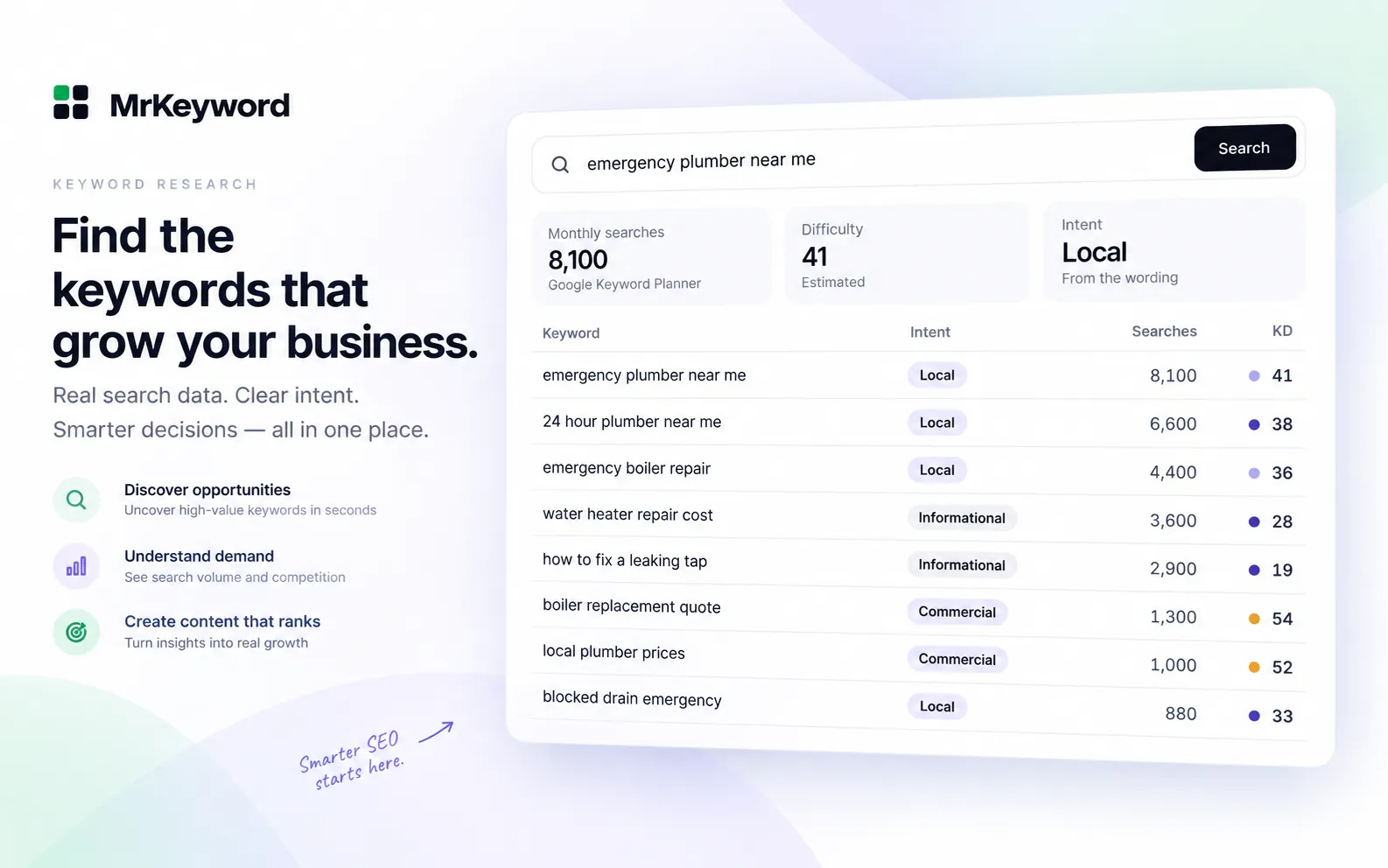
research_keywordreturns live volume, trend, ideas and questions for one lookup.
Disclosure: MrKeyword publishes this guide and runs one of the MCP servers it describes. Every Google fact links to Google's developer documentation, read on 31 October 2026. Google changed how API access works in September 2026, so older tutorials may describe steps that no longer apply.
Is there an official Google Ads MCP server?
Yes. Google publishes an open-source Google Ads MCP server, written in Python and documented on the Google Ads API developer site, but it reads campaign data from your own account and has no Keyword Planner tool. Google describes it as a standardized bridge that lets AI agents analyze and retrieve campaign data using natural language.
The server exposes three tools, listed both in Google's documentation and in the googleads/google-ads-mcp repository (Apache-2.0):
list_accessible_customersreturns the Google Ads accounts the signed-in user can reach.searchruns a Google Ads Query Language (GAQL) query, which is how it reads metrics, budgets and campaign status.get_resource_metadatadescribes a resource type, such ascampaign, and the fields you can query on it.
Google's page says the current release is strictly read-only: it cannot change bids, pause campaigns or create assets. You run it yourself, locally through pipx or on Cloud Run, with credentials from your own Google Cloud project. Google also mentions a hosted endpoint, but on 31 October 2026 that was a pilot open only to allowlisted participants.
Google's documented local configuration for its Google Ads MCP server
{
  "mcpServers": {
    "google-ads-mcp": {
      "command": "pipx",
      "args": ["run", "--spec", "git+https://github.com/googleads/google-ads-mcp.git", "google-ads-mcp"],
      "env": {
        "GOOGLE_PROJECT_ID": "your-cloud-project-id",
        "GOOGLE_APPLICATION_CREDENTIALS": "/path/to/application_default_credentials.json"
      }
    }
  }
}That makes Google's server the right choice for ad performance questions, such as which campaigns spent the most last week. It is the wrong tool for “how many people search for this phrase?”, because keyword ideas and search volume come from a different part of the API that none of the three tools calls.
Where does Keyword Planner data live in the Google Ads API?
Keyword Planner data comes from KeywordPlanIdeaService, a service of its own in the Google Ads API, not from the GAQL reports that Google's MCP server queries. Google's keyword planning overview lists four operations it offers without saving a keyword plan:
- Generate keyword ideas from seed keywords, a URL or a whole site, with historical search metrics.
- Generate historical metrics for a list you already have: search volume, competition and top-of-page bids for up to 10,000 keywords.
- Generate ad group themes, which groups keywords to match existing ad groups.
- Generate forecast metrics, which estimates clicks, cost or conversions for a campaign you describe.
The keyword ideas guide gives the details a tool builder needs. A keyword seed takes 1 to 20 keywords; a site seed can return up to 250,000 ideas; a request can target up to 10 locations. Each idea comes back with average monthly searches, month-by-month volumes, a competition level with a 0 to 100 index, and the low and high top-of-page bid, which Google defines as the 20th and 80th percentiles. In REST form the call is a POST to customers/{customerId}:generateKeywordIdeas, so every request names a Google Ads account.
The numbers are the ones the Keyword Planner screen shows: rounded 12-month averages with close variants merged, as Google's Keyword Planner help explains. Our guide to Google Keyword Planner without running ads covers what those figures do and do not tell you for SEO.
What Google Ads API access do you need for Keyword Planner?
You need Basic access or higher on the Google Cloud project behind your credentials, because Google's Explorer level does not include KeywordPlanIdeaService, and Basic access requires brand verification first. Google's access levels page describes four levels:
- Test: granted automatically when you enable the Google Ads API in a Cloud project. Test accounts only, up to 15,000 operations a day.
- Explorer: applied for in Cloud Console and reviewed automatically in most cases. Up to 2,880 operations a day on production accounts, but Google lists Keyword Planner's services as restricted and says to apply for Basic or Standard to use them.
- Basic: up to 15,000 operations a day on test and production accounts. Completing brand verification for the Cloud project is a prerequisite to applying.
- Standard: no daily operation cap, after a detailed manual audit. Keyword research falls under Google's permissible-use rules at this level, which describe it as used by tools that need suggestions.
The September 2026 change: no more developer tokens
Many tutorials and community MCP servers still tell you to request a developer token from the API Center in a manager account. Google's developer token page now says developer tokens were sunset on 9 September 2026. Your access level is set by the Google Cloud project that owns your OAuth client or service account, you no longer need a manager account, and a token sent in the request header is ignored. Applications made through the old API Center are not processed.
Brand verification
Brand verification is part of Google's OAuth app verification: you complete the consent screen's branding, set the app to External and In production, then verify and publish the branding. Google says the check takes a few minutes. Its developer token page also listed a known issue: some verified projects were refused access because the Cloud billing account was a free trial or suspended, so check billing before you apply.
Before you apply for Basic access only to feed an assistant: you are signing up to maintain an OAuth client, a verified Cloud project, quota handling and a cache. That is worth it for a product built on Keyword Planner data. For volumes in Claude, a server that already has the access is far less work.
What are the ways to get Keyword Planner data into Claude or Cursor?
There are three practical routes: build or adapt an MCP server on KeywordPlanIdeaService with your own Basic access, run a community Google Ads MCP server with your own credentials, or connect a hosted MCP server that already has Keyword Planner access. Google's official server covers your ad account alongside any of them. The table compares the routes as they stood on 31 October 2026.
Routes to Keyword Planner data in an MCP client, checked 31 October 2026
| Route | Keyword ideas and volume | Google API access you need | Runs where | Cost to you |
|---|---|---|---|---|
| Google's official Google Ads MCP server | No three tools for your own account's data | Explorer or higher on your Cloud project, plus OAuth or Application Default Credentials | Your machine or your Cloud Run | Open source; you host it |
Your own MCP server on KeywordPlanIdeaService | Yes whatever you build | Basic or higher, after brand verification | Wherever you deploy it | Your build and hosting time; Google's access pages list operation limits, not prices |
| Community Google Ads MCP servers | Depends only if the server calls the keyword planning service | Your own credentials; Basic or higher for Keyword Planner | Usually your machine | Varies; read the licence |
| MrKeyword MCP server | Yes research_keyword and bulk_keyword_check | None of your own: MrKeyword calls the Google Ads API with its access | Hosted at app.mrkeyword.io/mcp | Free plan: 10 lookups a month; paid plans from $10 a month |
| MrKeyword Data API, for your own agent | Yes keyword metrics and ideas over HTTP | None of your own | Your code calls app.mrkeyword.io/api/v1 | 500 free credits a month; paid API plans from $29 a month |
How do you build your own Keyword Planner MCP server?
Get Basic access for a Cloud project, then write a small MCP server whose tools call GenerateKeywordIdeas and GenerateKeywordHistoricalMetrics and return trimmed, dated results. The outline, in the order the work happens:
-
Set up the Cloud project and credentials
Enable the Google Ads API in a Google Cloud project, create an OAuth client or service account, and make sure the signed-in user can reach a Google Ads account, because every keyword planning request names one. Google's quickstart walks through a first call.
-
Verify the brand and apply for Basic access
Complete brand verification, then apply for Basic access from the Google Ads API overview page in Cloud Console. Until it is granted, keyword planning calls on production accounts are refused.
-
Define two or three narrow tools
One tool for ideas from a seed, one for metrics on a list you already have. Put Keyword Planner's own limits into each tool's input schema, such as 1 to 20 seed keywords, so the assistant cannot send a request Google will reject.
-
Trim and label the output
Return the keyword, average monthly searches, the market and the date fetched, not the whole response. Say in the tool description that volumes are rounded averages and competition describes advertisers, not organic difficulty, because the model will repeat it.
-
Cache and rate-limit
Google's overview says keyword planning requests have stricter rate limits than other services, and recommends caching because results stay consistent over hours or days and volume refreshes monthly. Cache by keyword, market and language, and queue requests so one long conversation does not exhaust the quota.
If the result is for other people, not only you, read Google's terms and the permissible-use rules for your access level before you ship it. Our guide to giving AI agents real SEO data covers tool definitions, batching and key handling in more depth.
Are community Google Ads MCP servers safe to use?
Some may be, but treat each one as code that will hold an OAuth token to your Google Ads account, and check it before you connect it. We have not audited any community server, so we do not recommend one here. Whatever a README promises, a community server cannot get around Google's access levels: to reach Keyword Planner it still needs credentials from a Cloud project with Basic access or higher, and that project is usually yours.
Questions worth answering before you install one:
- Does it call the keyword planning service at all? Many Google Ads MCP servers only run GAQL reports, like Google's own. Look for
KeywordPlanIdeaServiceorgenerateKeywordIdeasin the code. - Is it read-only? A server that can create or change campaigns can spend money. Prefer one whose tools only read, or that keeps write tools behind a separate switch.
- Where do your credentials go? A local server that reads them from your own environment is easier to trust than one that sends them to someone else's backend.
- Is it maintained? A README that makes a developer token mandatory, or tells you to apply for one in the API Center, was written before Google's September 2026 change. A token listed as optional is less telling: even Google's own server README still mentions one as an optional setup step. Google now ignores the token either way, so check the commit history to see how recently the project was updated.
Keyword Planner volume in Claude, without a Cloud projectMrKeyword's hosted MCP server calls the Google Ads API for you. Free plan, no card, 10 keyword lookups a month.
See the MCP serverHow do you set up MrKeyword's MCP server for Keyword Planner data?
Create a token in MrKeyword, add one line to Claude Code or Cursor, then ask for a keyword: the research_keyword tool sends a live request to the Google Ads Keyword Planner API through MrKeyword's own access and returns the result. There is no Google Cloud project, OAuth client or Google Ads account to set up on your side. The MrKeyword SEO MCP server page lists everything else the same token can read, and the Claude SEO MCP setup guide covers each client step by step.
-
Create a free account and a token
Sign up free, then open Settings → Connections → API & MCP Tokens and create a token. Leave “Allow this token to make changes” unticked: keyword research needs only a read token. The value starts with
mk_and is shown once, so store it like a password. -
Add the server to your client
In Claude Code, one command:
claude mcp add --transport http mrkeyword https://app.mrkeyword.io/mcp \
  --header "Authorization: Bearer mk_your_token_here"
In Cursor, add it to
.cursor/mcp.jsonin a project, or~/.cursor/mcp.jsonfor every project:{ "mcpServers": { "mrkeyword": { "url": "https://app.mrkeyword.io/mcp", "headers": { "Authorization": "Bearer mk_your_token_here" } } } }In the Claude desktop app, add a custom connector with the same URL and an
authorizationrequest header. The developer reference has the current steps for each client and a plain HTTP example. -
Check the tools
Run
/mcpin Claude Code, or open Cursor's MCP settings, and confirm the server is connected. Its tool list has 27 tools; the two that matter here areresearch_keywordandbulk_keyword_check. -
Ask for a keyword
Try “What is the monthly search volume for emergency plumber in the US, and what related questions do people ask?” Because these two tools spend lookups, MrKeyword does not mark them read-only, so clients that auto-approve read-only tools still ask you before each call.
What the two keyword tools return
research_keywordtakes one keyword of up to 80 characters and 10 words, and a market: the US, Canada, India, the UK or Australia. It returns volume, a 12-month trend, MrKeyword's difficulty and intent estimates, up to 25 keyword ideas and up to 15 questions, each dated withas_of. Every call costs one lookup, a repeat included, and a failed or empty search is refunded.bulk_keyword_checktakes up to 100 keywords for one market and returns volume, or Google's low and high range where only a range comes back, with difficulty and intent. It costs one lookup per 25 keywords.- Nothing is stored. Each call is a fresh Keyword Planner request, and the response's
creditsfield says what was charged and what is left.
The Free plan includes 10 lookups a month. Starter includes 200 for $10 a month and Growth 600 for $19; see pricing. The same server reads your Search Console queries, so the find_keyword_opportunities prompt can start from searches you already rank 11 to 20 for and size only the shortlist. Our keyword research with Claude guide walks through that workflow, and SEO MCP servers compared sets MrKeyword's server beside the others.
Which should you use: an MCP server or an API?
Use an MCP server when a person is asking questions in Claude or Cursor, and an HTTP API when your own code or agent needs keyword data inside a product. MCP suits conversation: the assistant chooses the tool, you approve the call, and the answer comes back in the chat. An API suits software you ship: you control the requests, caching and costs.
If you are building, the MrKeyword Data API serves keyword metrics for 1 credit per keyword with data and keyword ideas for 2 credits a call, in the same five markets, with a free Developer tier of 500 credits a month and paid plans from $29 a month. A keyword it has not stored yet is looked up live in Keyword Planner first. Our SEO API guide compares it with other SEO data APIs, and if you would rather check a keyword by hand, the free keyword research tool uses the same Keyword Planner source.
Routes also combine: Google's server for your ad account and MrKeyword's for keyword research can sit side by side in one client.
What MrKeyword does not do
MrKeyword's MCP server gives Claude Keyword Planner volumes and ideas; it does not replace Google's own tools for running ads.
- It is not a Google product and is not affiliated with Google. It reads Keyword Planner data through Google's official Ads API.
- It cannot read or change your Google Ads account: no campaigns, spend, conversions, bids or budgets. Google's official Google Ads MCP server is the tool for those.
- It does not offer Keyword Planner's forecasts or ad group themes, and its difficulty and intent scores are MrKeyword's own estimates, not Google figures.
- Its keyword tools cover five markets, the US, Canada, India, the UK and Australia, not every Keyword Planner location.
- It does not give exact search counts or scrape Google's results. Volumes are Google's rounded averages, or Google's range where that is all it returns.
Questions and answers
Keyword Planner MCP questions
Is there an official Google Ads MCP server?
Yes. Google publishes an open-source Google Ads MCP server (googleads/google-ads-mcp), documented on the Google Ads API developer site. It is read-only and has three tools: list_accessible_customers, search (GAQL queries) and get_resource_metadata. It reads your own ad account and does not include a Keyword Planner tool.
Can Claude use Google Keyword Planner through MCP?
Yes, through an MCP server that calls the Google Ads API's KeywordPlanIdeaService. You can build one with your own Basic API access, run a community server with your own credentials, or connect a hosted server that already has access, such as MrKeyword's, whose research_keyword tool returns live volume and ideas.
Do I still need a Google Ads developer token?
No. Google's developer token page says developer tokens were sunset on 9 September 2026. API access levels now belong to the Google Cloud project behind your OAuth credentials, a manager account is no longer needed, and a token sent in the header is ignored.
Which Google Ads API access level includes Keyword Planner?
Basic or Standard. Google's access levels page lists the keyword planning services as restricted at Explorer level. Basic access allows 15,000 operations a day and requires brand verification of your Google Cloud project before you apply.
Does MrKeyword's MCP server need a Google Ads account?
No. MrKeyword calls the Google Ads API with its own access. You need a free MrKeyword account and a token; the Free plan includes 10 keyword lookups a month, and each research_keyword call uses one.
Can a Google Ads MCP server change my campaigns?
Google's official server cannot: its documentation says the current release is strictly read-only. Community servers vary, so check whether any tool creates or edits campaigns before you connect one. MrKeyword's MCP server never touches your Google Ads account.
Sources
- Google Ads MCP server — Google Ads API, on the official server's tools, read-only status, setup and hosted pilot; checked 31 October 2026
- googleads/google-ads-mcp — Google's repository for the server: tools, credentials and licence
- Access levels — Google Ads API, on Test, Explorer, Basic and Standard access and the services restricted at Explorer level
- Developer token — Google Ads API, on the 9 September 2026 sunset, Cloud-project access levels and known issues
- Brand verification — Google Ads API, on the OAuth branding steps required before Basic access
- Keyword planning overview — Google Ads API, on the four keyword planning operations, rate limits and caching
- Generate keyword ideas — Google Ads API, on seeds, location limits and the metrics returned
- Make your first API call — Google Ads API quickstart
- About Keyword Planner forecasts — Google Ads Help, on rounded 12-month averages and close variants
- What is the Model Context Protocol (MCP)? — the open standard behind MCP servers
- Connect Claude Code to tools via MCP — Anthropic, on claude mcp add and remote HTTP servers
- Model Context Protocol in Cursor — Cursor documentation, on mcp.json and headers
- MrKeyword MCP developer reference — our endpoint, tokens, tool list and limits